A stranger is about to look at your screen. Here is exactly what they get, what they don't, and the tests that prove it.
One window, your choice
You pick the window. Never your desktop, never other apps, never notifications. Password managers, mail and chat apps can't be shared at all.
Masked before it leaves
Buoy reads the frame on your Mac and covers email addresses, phone and card numbers, bank accounts, API keys, tokens in links, your name and username, and any words you add. Then it sends the frame. The helper's copy never had them.
Focus on the problem
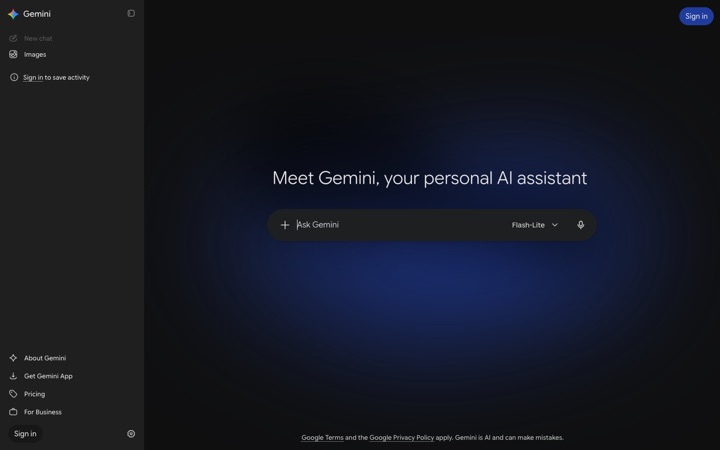
In an AI app the chat-history sidebar is covered, so the helper sees the conversation you're stuck in and none of the others. A collapsed sidebar means nothing is covered; a hidden one is left alone.
Proof, not promises.
Every build runs the exact masking code from the app over these screenshots and checks the result by reading the masked image back. If anything on the "must hide" list can still be read, the build fails. This is the latest run.
4 of 4 PII screens clean · 21 of 21 focus screens right · 40 of 40 window titles recognised · run 2026-10-24
Personal data, keys and names
PASS
Mail client light
2880×1800 · 12 boxes · 406 ms
Before (every name, number and key here is made up)What the helper sees
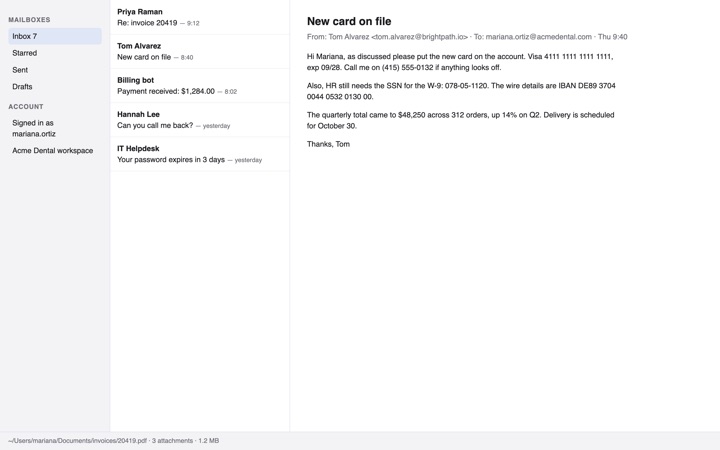
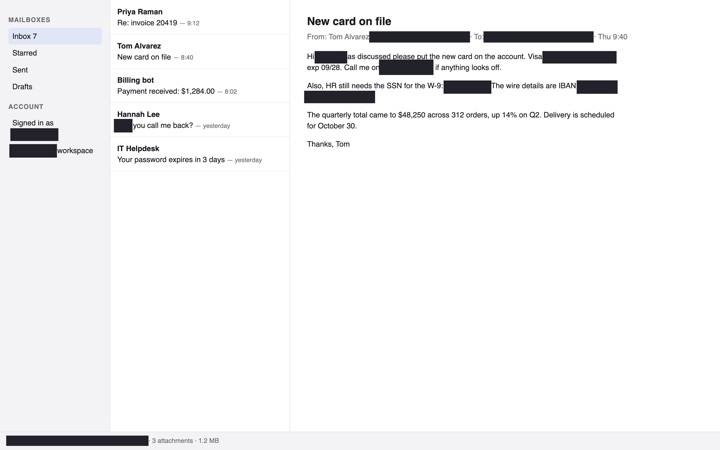
An inbox with a card number, an SSN, an IBAN, phone numbers, email addresses, the account name, a home-folder path and a client name on the user's own deny list.
Must be unreadable afterwards (checked by reading the masked image back):
4111 1111 1111 1111
078-05-1120
DE89 3704 0044 0532 0130 00
(415) 555-0132
tom.alvarez@brightpath.io
mariana.ortiz@acmedental.com
mariana.ortiz
/Users/mariana
Acme Dental
PASS
Terminal dark
2880×1800 · 16 boxes · 262 ms
Before (every name, number and key here is made up)What the helper sees
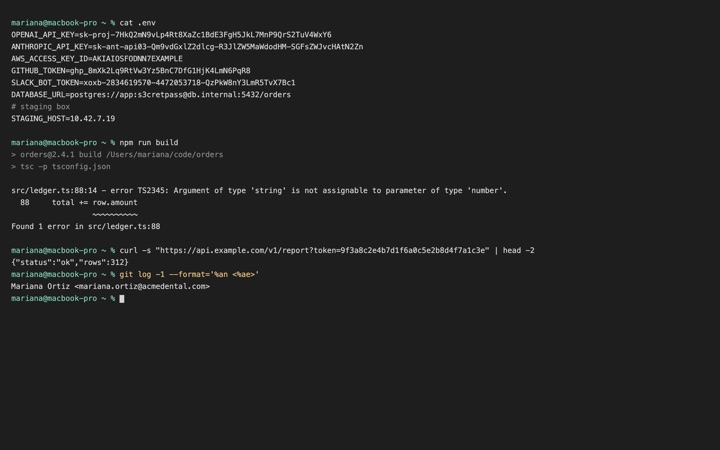
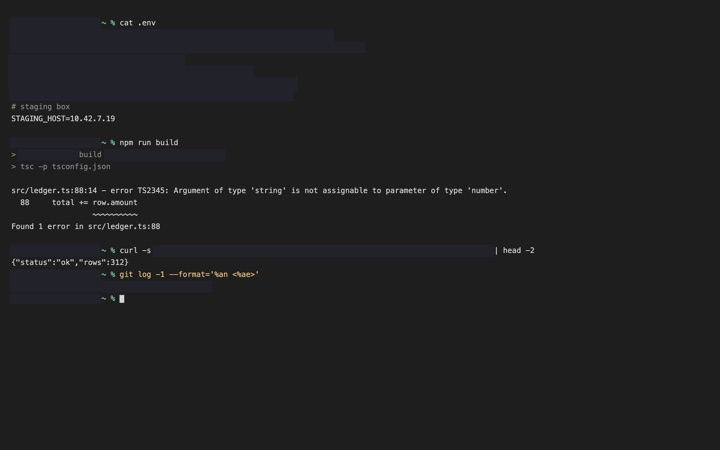
A .env file and a build log: API keys for OpenAI, Anthropic, AWS, GitHub and Slack, a database password URL, a token in a URL, the shell prompt with the user name and a home path. The compiler error, the thing the person needs help with, stays readable. IP addresses are left alone by default.
Must be unreadable afterwards (checked by reading the masked image back):
Before (every name, number and key here is made up)What the helper sees
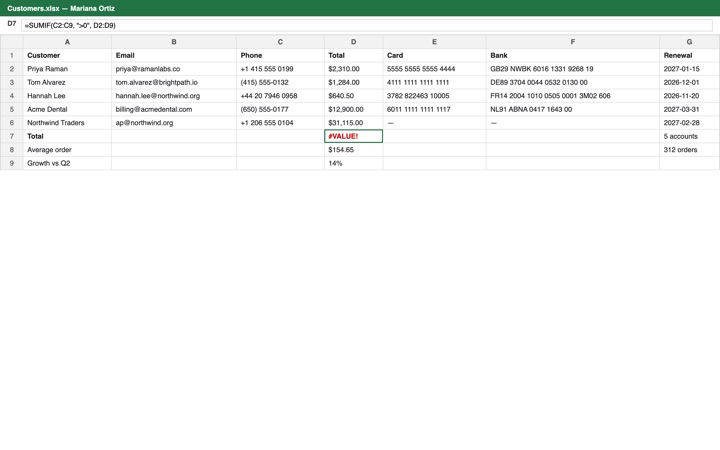
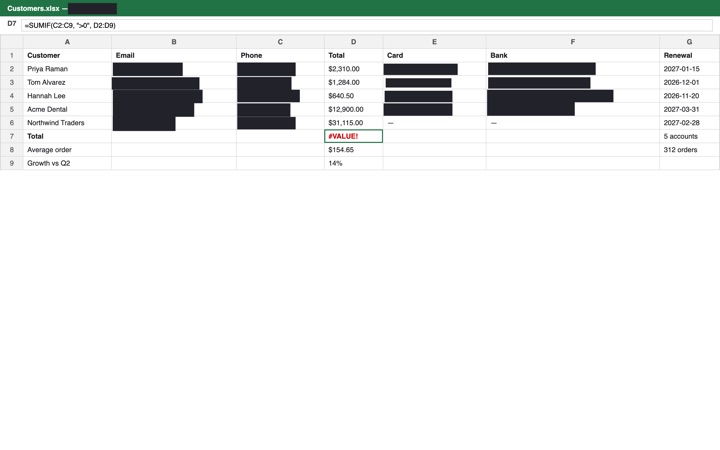
A customer sheet: every email, phone, card and bank account is covered; the totals, dates, order counts and the #VALUE! error the person is stuck on stay visible.
Must be unreadable afterwards (checked by reading the masked image back):
priya@ramanlabs.co
tom.alvarez@brightpath.io
hannah.lee@northwind.org
billing@acmedental.com
+1 415 555 0199
(415) 555-0132
+44 20 7946 0958
5555 5555 5555 4444
4111 1111 1111 1111
3782 822463 10005
6011 1111 1111 1117
GB29 NWBK 6016 1331 9268 19
DE89 3704 0044 0532 0130 00
FR14 2004 1010 0505 0001 3M02 606
NL91 ABNA 0417 1643 00
Mariana Ortiz
PASS
AI chat light
2880×1800 · 4 boxes · 220 ms
Before (every name, number and key here is made up)What the helper sees
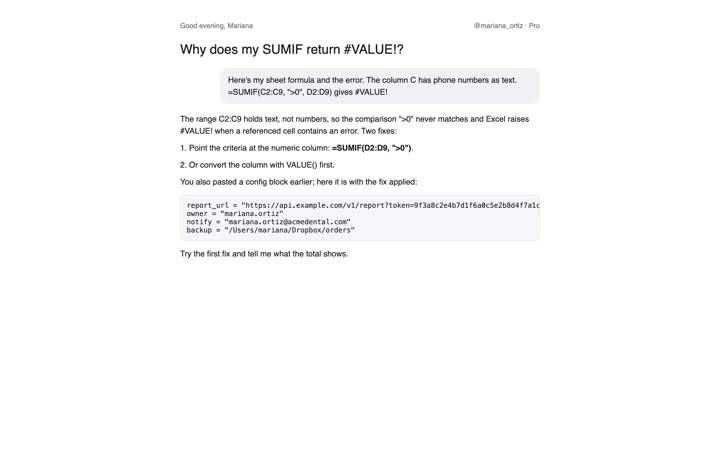
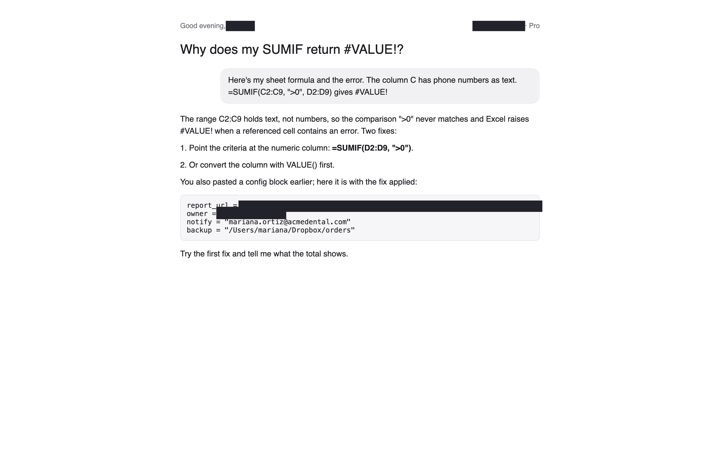
A chat where the person pasted a config block: the token in the URL, their handle, email, account name and home path are covered; the formula advice stays readable.
Must be unreadable afterwards (checked by reading the masked image back):
token=9f3a8c2e4b7d1f6a0c5e2b8d4f7a1c3e
@mariana_ortiz
mariana.ortiz@acmedental.com
/Users/mariana
Good evening, Mariana
owner = "mariana.ortiz"
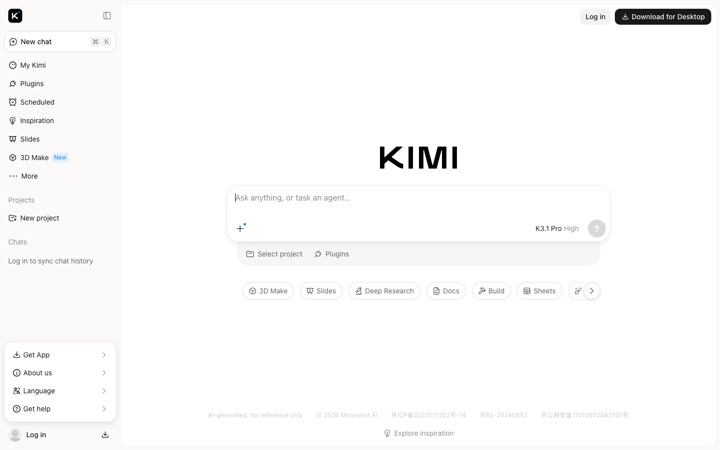
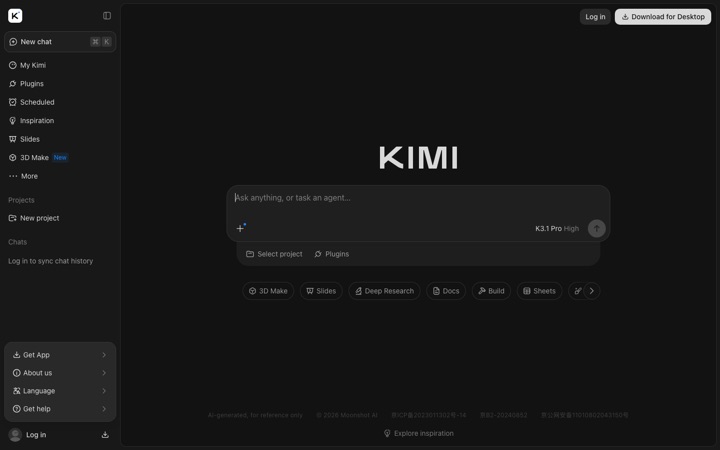
The history sidebar of AI apps
Public screenshots only: the apps' own signed-out pages and Wikimedia Commons images. Window captures from our own Macs are in the private half of the suite.
PASS
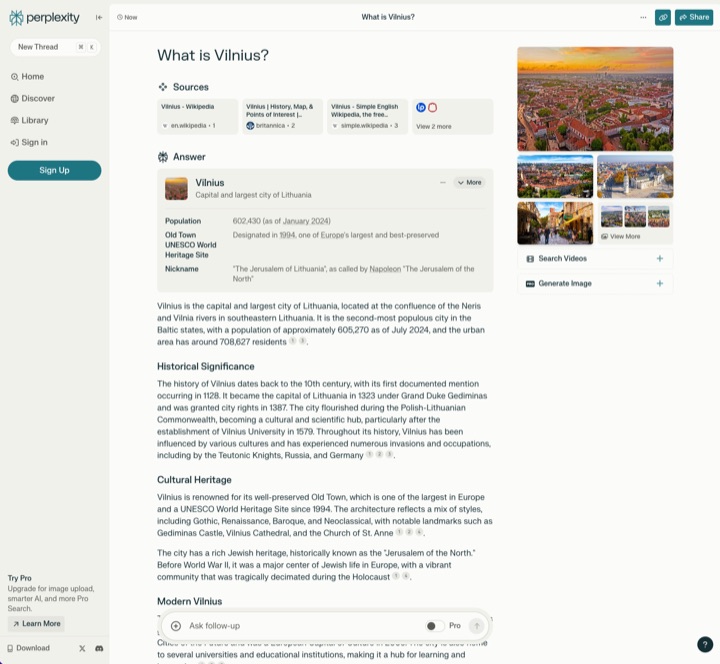
Perplexity light
1440×900
BeforeWhat the helper sees
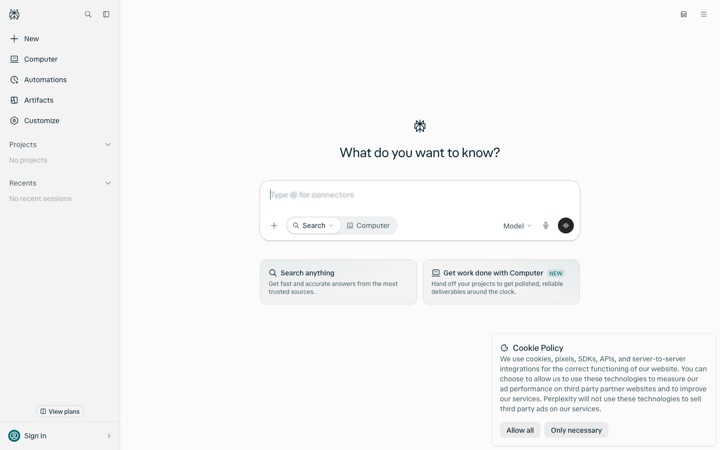
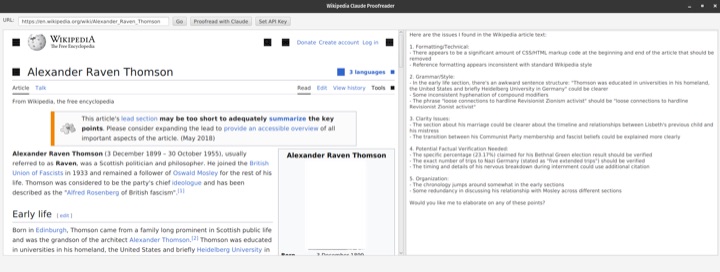
perplexity.ai signed out, 1440×900, headless Chrome. Sidebar open.
expected 240 pt · detected 245 pt · own render
PASS
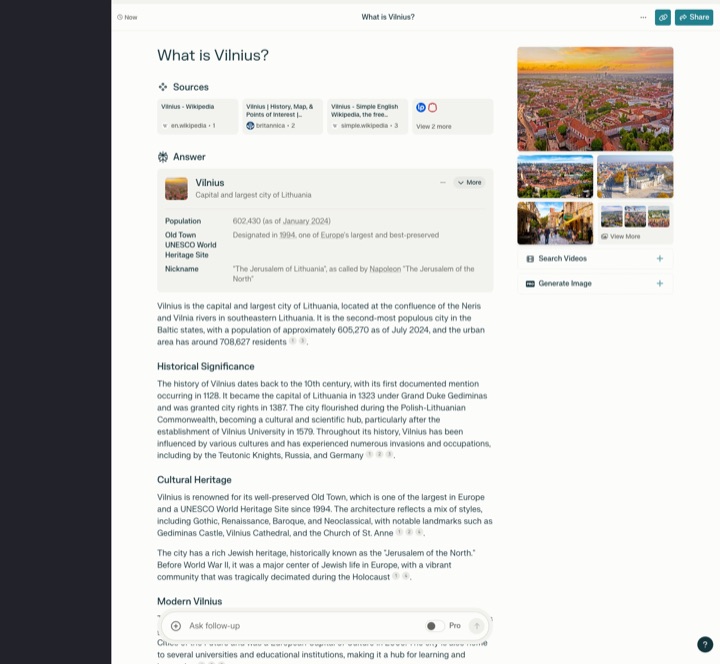
Perplexity dark
1440×900
BeforeWhat the helper sees
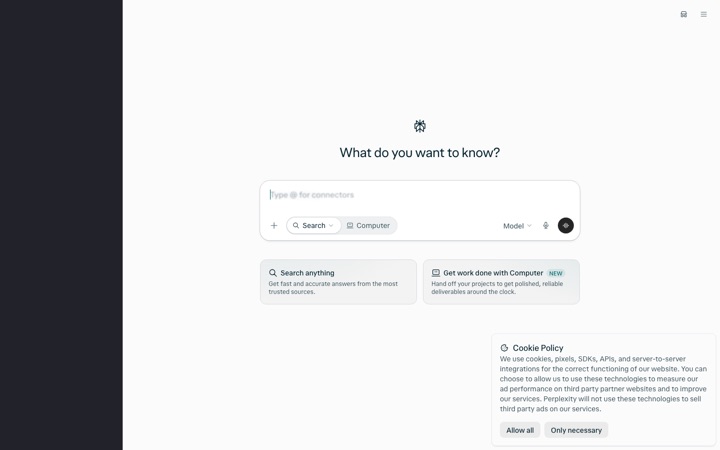
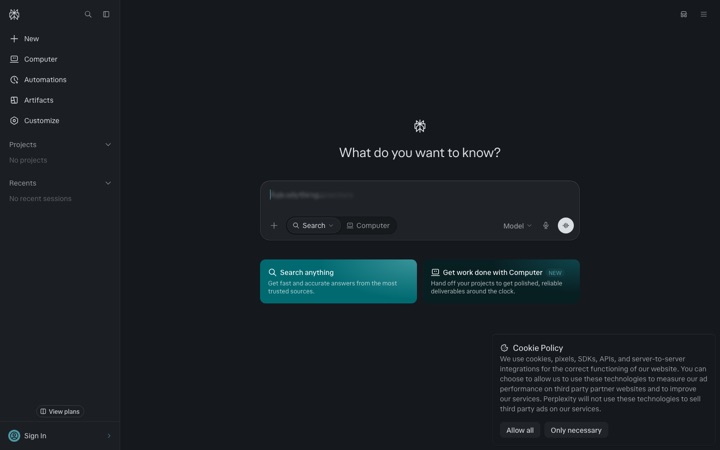
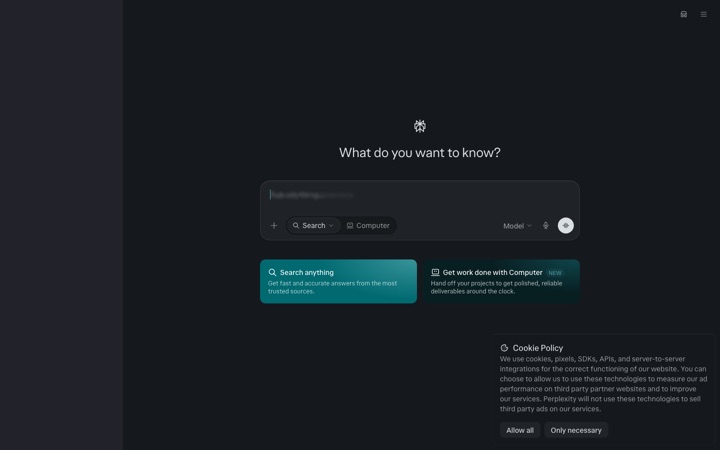
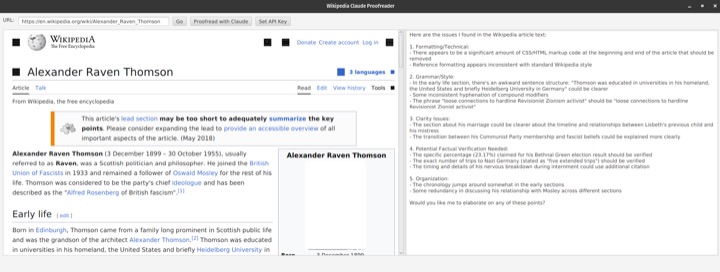
Same page, dark theme.
expected 240 pt · detected 245 pt · own render
PASS
Perplexity light
1444×1333
BeforeWhat the helper sees
2024 layout with an answer open and a sources column on the right. Only the left sidebar should be covered.
expected 220 pt · detected 223 pt · Public domain
PASS
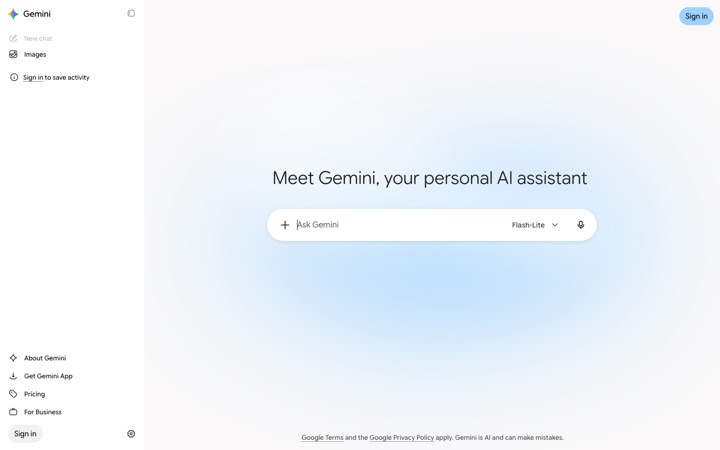
Gemini light
1440×900
BeforeWhat the helper sees
gemini.google.com signed out, 1440×900. Sidebar open.
expected 288 pt · detected 291 pt · own render
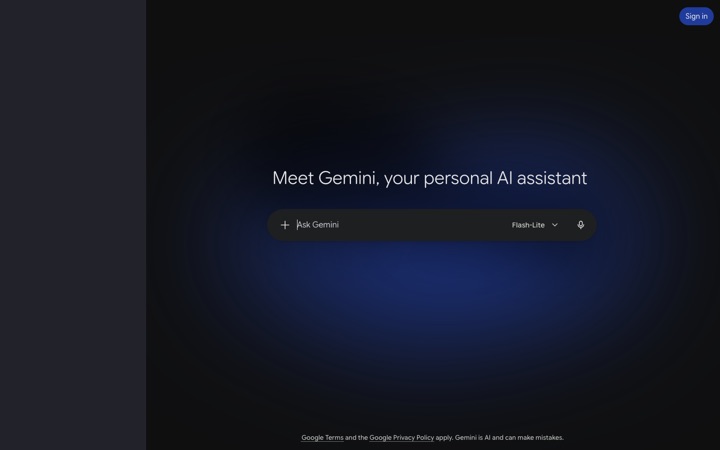
PASS
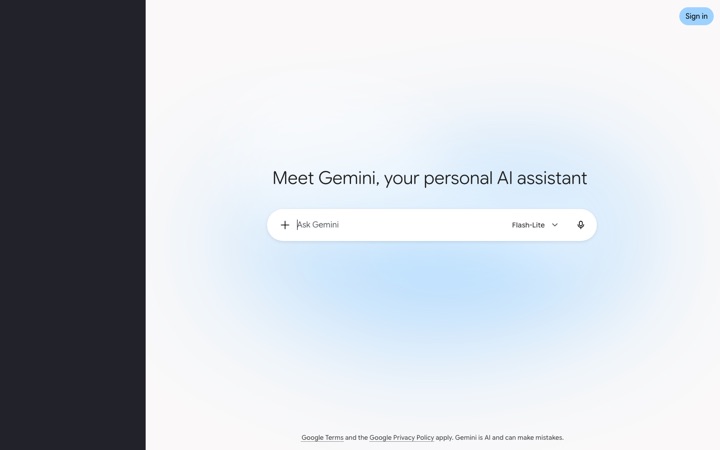
Gemini dark
1440×900
BeforeWhat the helper sees
Same page, dark theme. The pane has a radial glow; the median must still find the edge.
expected 288 pt · detected 292 pt · own render
PASS
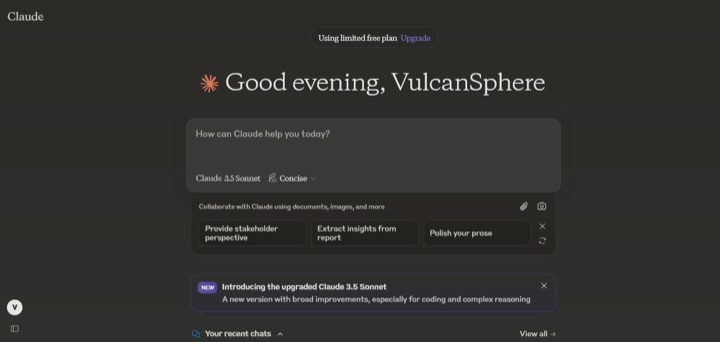
Claude dark
1290×614
BeforeWhat the helper sees
claude.ai late 2024, sidebar collapsed to an icon rail. Nothing to cover.
expected nothing covered · detected nothing covered · Public domain
PASS
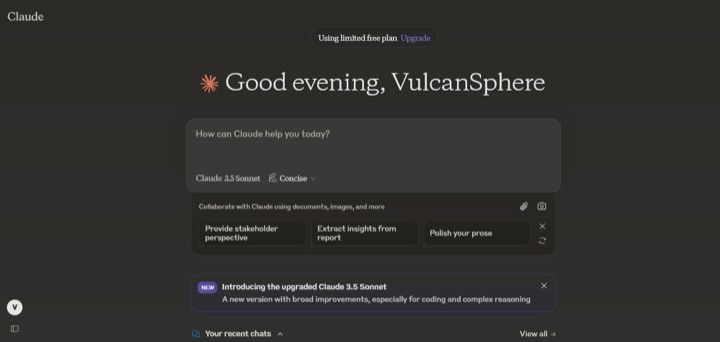
Claude dark
1480×1252
BeforeWhat the helper sees
A conversation cropped without any sidebar. Must not invent one.
expected nothing covered · detected nothing covered · Public domain
PASS
Claude dark
1070×1915
BeforeWhat the helper sees
Narrow (phone-width) layout: the sidebar is a single icon. Nothing to cover.
grok.com signed out: no sidebar until you sign in. Nothing to cover.
expected nothing covered · detected nothing covered · own render
PASS
Grok dark
1440×900
BeforeWhat the helper sees
Same page, dark theme.
expected nothing covered · detected nothing covered · own render
PASS
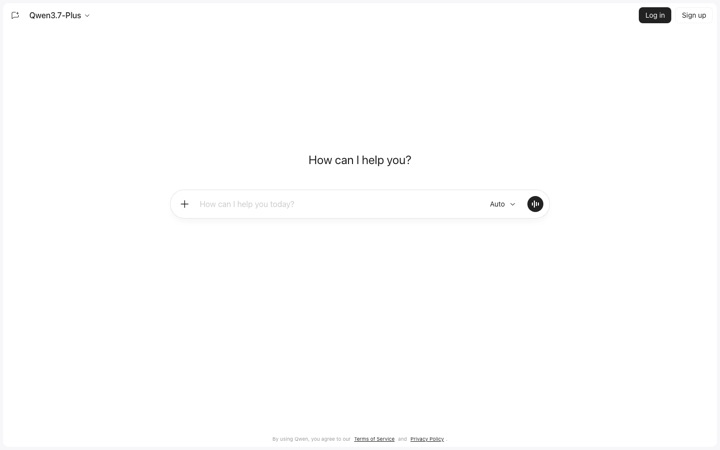
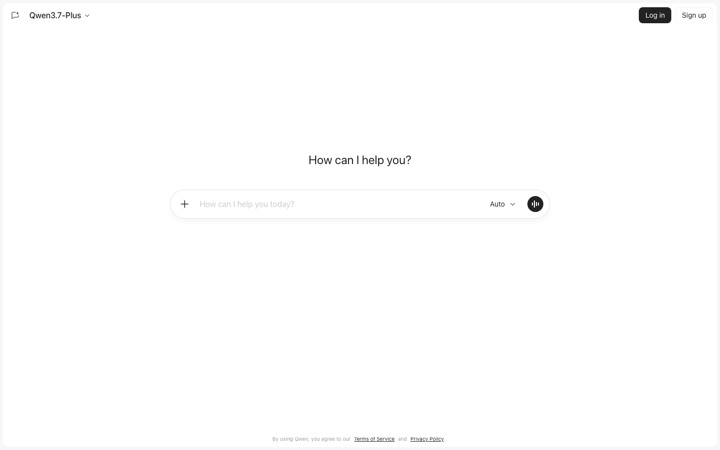
Qwen light
1440×900
BeforeWhat the helper sees
chat.qwen.ai signed out: no sidebar until you sign in. Nothing to cover.
expected nothing covered · detected nothing covered · own render
PASS
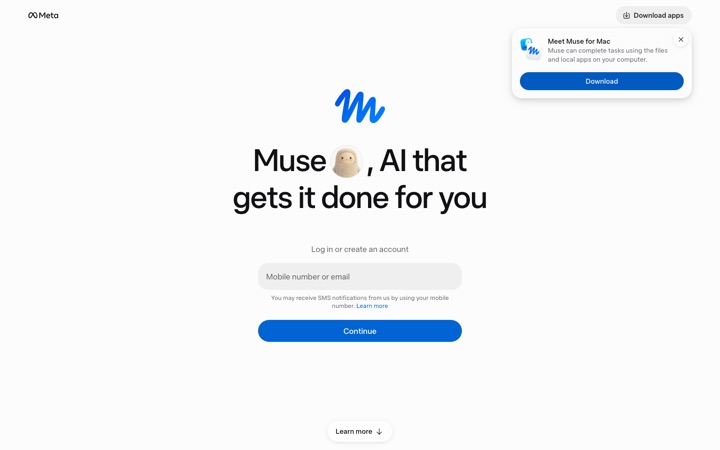
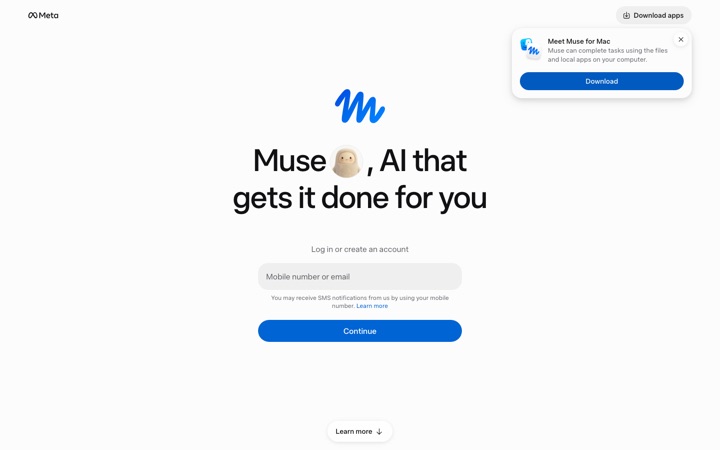
Muse light
1440×900
BeforeWhat the helper sees
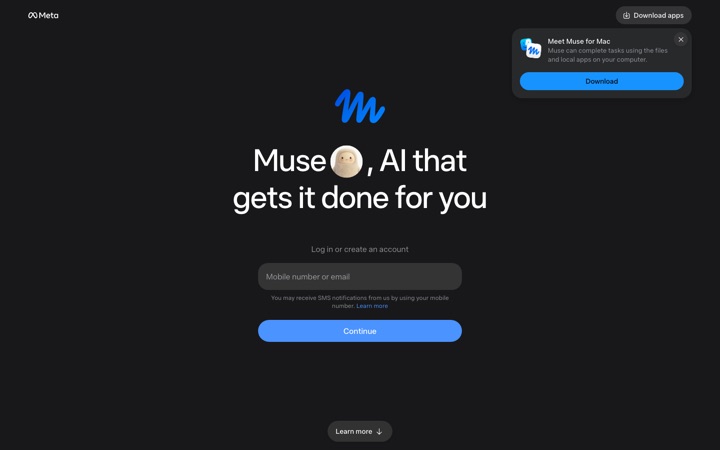
muse.ai signed out is a sign-in page with no sidebar.
expected nothing covered · detected nothing covered · own render
PASS
Muse dark
1440×900
BeforeWhat the helper sees
Same page, dark theme.
expected nothing covered · detected nothing covered · own render
PASS
Meta AI light
1440×900
BeforeWhat the helper sees
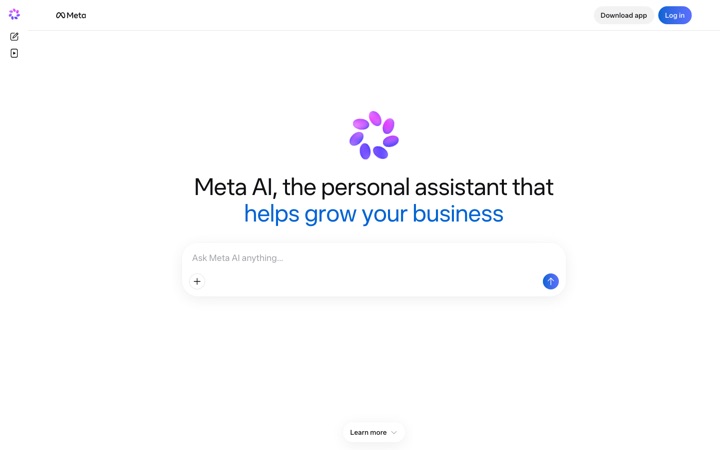
meta.ai signed out: a single prompt box, no sidebar.
expected nothing covered · detected nothing covered · own render
PASS
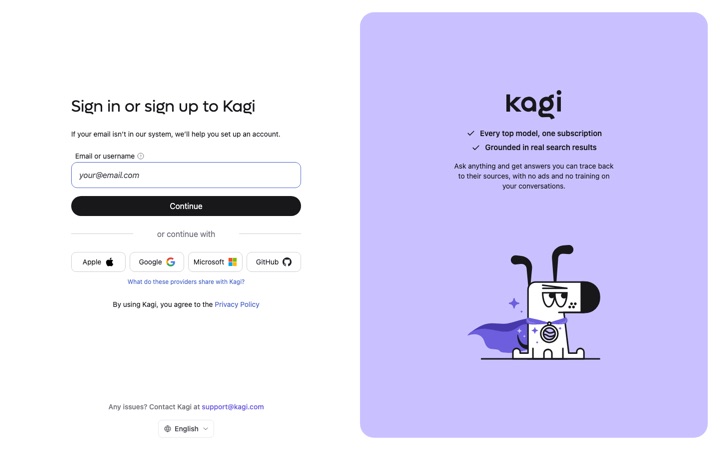
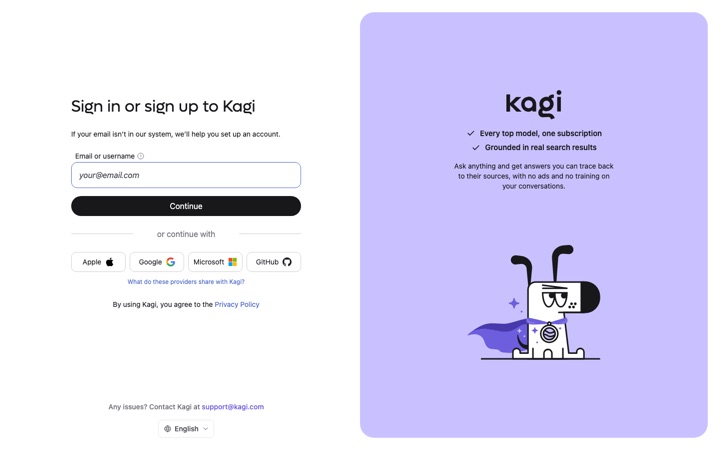
Kagi Assistant light
1440×900
BeforeWhat the helper sees
Kagi's sign-in page has a two-column layout split far outside any sidebar range. Must be left alone.
expected nothing covered · detected nothing covered · own render
The rest of the safety story.
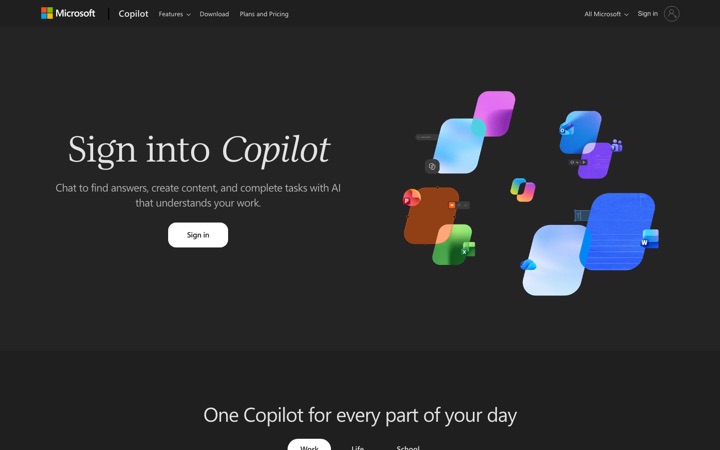
Real people only. Sign-in is through LinkedIn, the hardest place to fake a person. We get your name, photo and email; nothing else. What the sign-in page says.
Every session is recorded and encrypted with a key that is yours. You can hide a session from your history, and ask for it to be deleted.
No typing, no clicking. A helper can point, draw and talk on your screen. They cannot type into your apps or move your mouse. Links and files cannot be sent through Buoy yet, on purpose.
Teams can lock it down. A team policy can force masking on, exclude apps, add words to the deny list and set retention. Security for IT.